Reticulum

I don’t mean to collect devices but for some reason I had an excess of LoRa modules. I was losing interest in Meshtastic becuase the local traffic seemed to consist of ‘RX?’ followed by ‘RX in …’ or a persone with a node flying overhead on aholiday trip followed by a glut of nodes across th ecountry that just weren’t useful.
This was a similar feeling across the water with Richard who has a node pointing in my direction. So whilst I’ve not shut the door on it, I’ve used the yagi and Wisblock module for something slightly different. Reticulum
The appeal of reticulum is that it seems to extend the LoRa thing to include mini web pages and a different way of interacting. A bit like a cross between packet, the general internet and normal messaging. It took me a while to work out what I ought to be doing and then making sure that is what I am actually doing. There is a doubt in my mind that I’m doing what I should be doing but there have been no complaints so far.
Hardware
Looks a bit like this..
    flowchart TD
    subgraph Phone_Side["Phone Side"]
        Phone[("Phone")]
        LoRa_Bluetooth[Loara Module Bluetooth]
        Phone --"BT"--> LoRa_Bluetooth
    end

    subgraph Desktop_Side["Desktop PC Side"]
        PC[("Desktop PC")]
        LoRa_USB_Pc[LoRa Module USB]
        PC --"USB"--> LoRa_USB_Pc
    end

    subgraph RPi_Node["Raspberry Pi Node"]
        RPi[("Raspberry Pi")]
        LoRa_RPi[LoRa RF Module USB to RPi]
        RPi --"USB"--> LoRa_RPi
    end

    subgraph Network_Backend["Reticulum Network"]
        Reticulum_RF["Reticulum RF Link"]
        Reticulum_TCP["Reticulum TCP IP"]
        Internet[("Internet")]
    end

    %% LoRa RF connections
    LoRa_Bluetooth -.->|"LoRa RF"| LoRa_RPi
    LoRa_USB_Pc -.->|"LoRa RF"| LoRa_RPi

    %% RPi to Reticulum Network
    RPi -->|"RF & TCP"| Reticulum_RF
    RPi -->|"TCP"| Reticulum_TCP

    Reticulum_RF --- Internet
    Reticulum_TCP --- Internet

    style Phone_Side fill:#e3f2fd
    style Desktop_Side fill:#e8f5e9
    style RPi_Node fill:#fff3e0
    style Network_Backend fill:#f3e5f5
Software
Here’s where everything gets complicated really quickly (for me at least). A fresh OS on the Rpi was installed and as mine is a RPi3 it takes a bit longer to go through the setup. Just do the usual WiFi stuff so its all up to date. Then install the software as per the guide. I did this a couple of times, the first time nothing happened and a bunch of errors appeared. Then it seemed to sort itself out.
So, everything is a=installed. Now what?
The config is where it unravelled again for me. For some reason I could not connect to any known backbone via TCP. After a lot of farting about it was due to servers not being available. Once I’d found a few that worked you can check on the status by running
rnstatus from the command line. you should get something like this:
alex@reticulum:~ $ rnstatus

 Shared Instance[rns/default]
    Status    : Up
    Serving   : 0 programs
    Rate      : 1.00 Gbps
    Traffic   : ↑2.36 KB  1.73 Kbps
                ↓0 B      0 bps

 BackboneInterface[reticulum_will0w_dev/reticulum.will0w.dev:4242]
    Status    : Up
    Mode      : Full
    Rate      : 100.00 Mbps
    Traffic   : ↑2.59 KB  0 bps
                ↓0 B      0 bps

 AutoInterface[Default Interface]
    Status    : Up
    Mode      : Full
    Rate      : 10.00 Mbps
    Peers     : 0 reachable
    Traffic   : ↑0 B  0 bps
                ↓0 B  0 bps

 TCPServerInterface[TCP Server Interface/0.0.0.0:4242]
    Status    : Up
    Clients   : 0
    Mode      : Full
    Rate      : 10.00 Mbps
    Traffic   : ↑0 B  0 bps
                ↓0 B  0 bps

 TCPInterface[Beleth RNS Hub/rns.beleth.net:4242]
    Status    : Down
    Mode      : Full
    Rate      : 10.00 Mbps
    Traffic   : ↑0 B  0 bps
                ↓0 B  0 bps

 TCPInterface[rmap.world/rmap.world:4242]
    Status    : Up
    Mode      : Full
    Rate      : 10.00 Mbps
    Traffic   : ↑2.58 KB  0 bps
                ↓7.51 KB  1.71 Kbps

 RNodeInterface[g7kse RNode]
    Status    : Up
    Mode      : Full
    Rate      : 1.76 kbps
    Noise Fl. : -114 dBm, no interference
    CPU load  : Unknown
    Airtime   : 0.0% (15s), 0.03% (1h)
    Ch. Load  : 0.0% (15s), 0.04% (1h)
    Traffic   : ↑224 B  0 bps
                ↓51 B   0 bps
This shows us that everything is connecting and is a handy way to check on things. If not then check the config
Config
The biggest isuue I had was with the LoRa module seemingly not connecting to anything. Its worth sharing the config for the interfaces in case its useful elsewhere. My route was to use the Liam Cottle RNode flasher and to use the advanced tools to check the statud of the node. This was very handy as the Wisblock doesn’t have a screen.
      [[reticulum_will0w_dev]]
    type = BackboneInterface
    enabled = yes
    remote = reticulum.will0w.dev
    target_port = 4242
    transport_identity = 0b95bdc1ddf2f397dc88278b22bc5cd4

  [[Beleth RNS Hub]]
    type = TCPClientInterface
    enabled = yes
    target_host = rns.beleth.net
    target_port = 4242

  [[rmap.world]]
    type = TCPClientInterface
    enabled = yes
    target_host = rmap.world
    target_port = 4242

  [[I2P]]
    type = I2PInterface
    enabled = no
    connectable = yes
    peers = ykzlw5ujbaqc2xkec4cpvgyxj257wcrmmgkuxqmqcur7cq3w3lha.b32.i2p

  # Here's an example of how to add a LoRa interface
  # using the RNode LoRa transceiver.
  [[g7kse RNode]]
    type = RNodeInterface
    enabled = yes
    port = /dev/ttyACM0
    frequency = 867500000
    bandwidth = 125000
    spreadingfactor = 9
    codingrate = 5
Desktop & Phone
This is your choice really. But I use MeshChatX on the desktop and Columba on the phone although Sideband features quite a lot.
With any of these there needs to be some configuration. As the LoRa side was being a pest I used the reliable TCP interface to start with. Then once that was functioning and nodes were appearing I think brought the LoRa bit back in. Funnily enough it works just as well with my basic setup.
So, I have turned off the TCP interfaces on the MeshChatX and Columba and they talk to the RPi via RF only.
Some handy starter videos
I’d suggest looking at Simon Phillip’s stuff. Here’s a basic one to help you get started
Ok so its working now what?
The obvious question is ‘So What?’. Why bother to do all this? I can message people anyway, why should i have another burden to manage? Well messaging is just one part, and as a raduo ham I seem to enjoy making it hard to contact other people :-)
The messaging part is fun, but its only one element. The more interesting thing for me is the NomadNet part. This is like a small website that is part of the network. To have one of these I need to be a Node rather than a Peer. Its not entirely accurate but Peer = Person. Node = Computer.
These littel web pages are written using a language called Micron. Coding by hand might be some peoples idea of fun, for me I prefer to see what is going on with an editor. But Simon does a nice video on displaying the rnstatus details on a page thats below. If you really want to add stuff then there are all sorts of add ons for Chat Rooms or a BBS
So you can see that whilst Meshtastic and Meshcore are excellent, they are limited in comparison to Reticulum. There is a lot more to look at but its starts getting beyond my little brain. I’ll stick to mucking about with what i have and it’ll be running in th eloft so long as there is electricity and a functioning LoRa module.
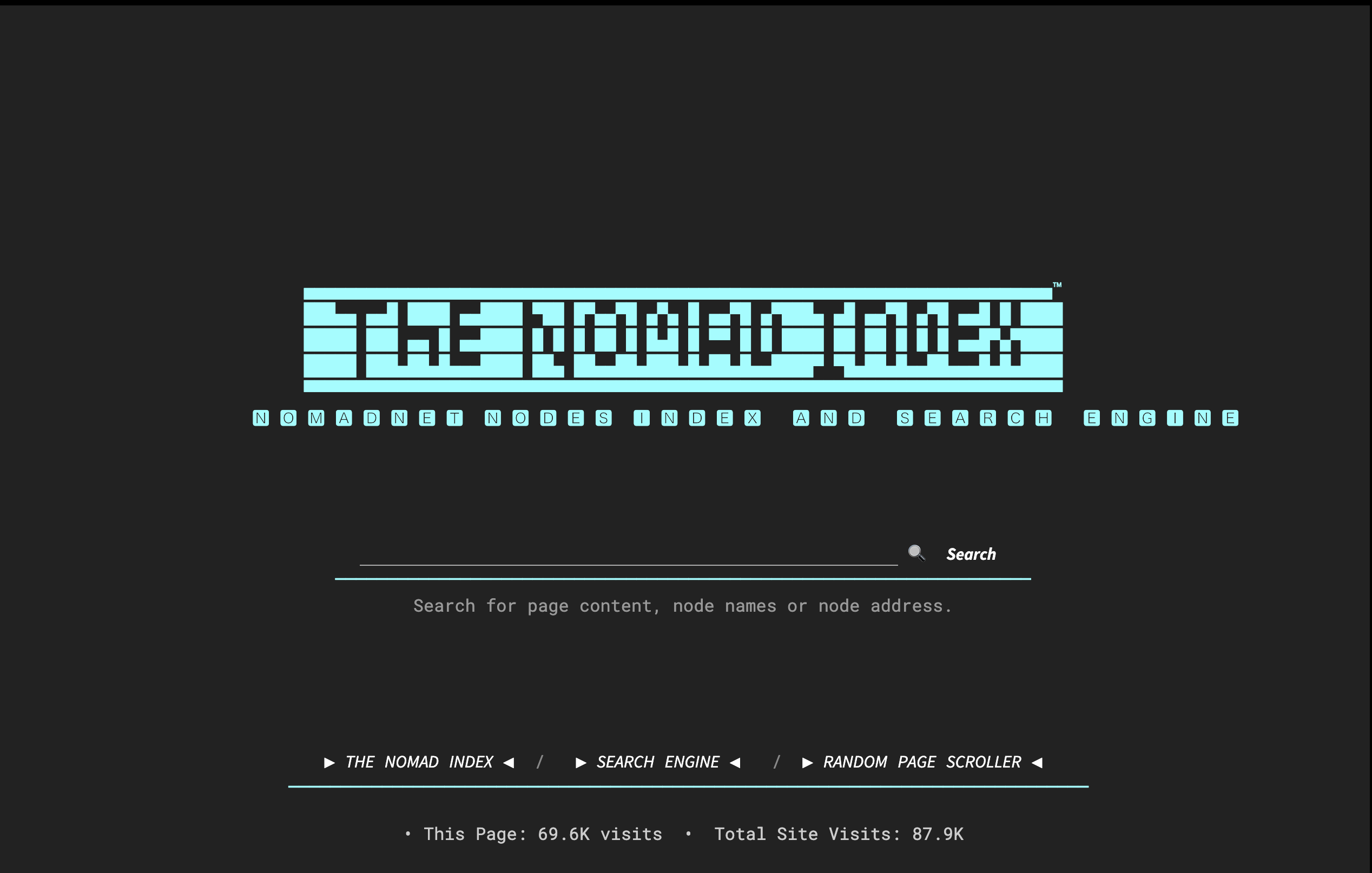
Here’s a start er for you. The Nomad Net Index….